

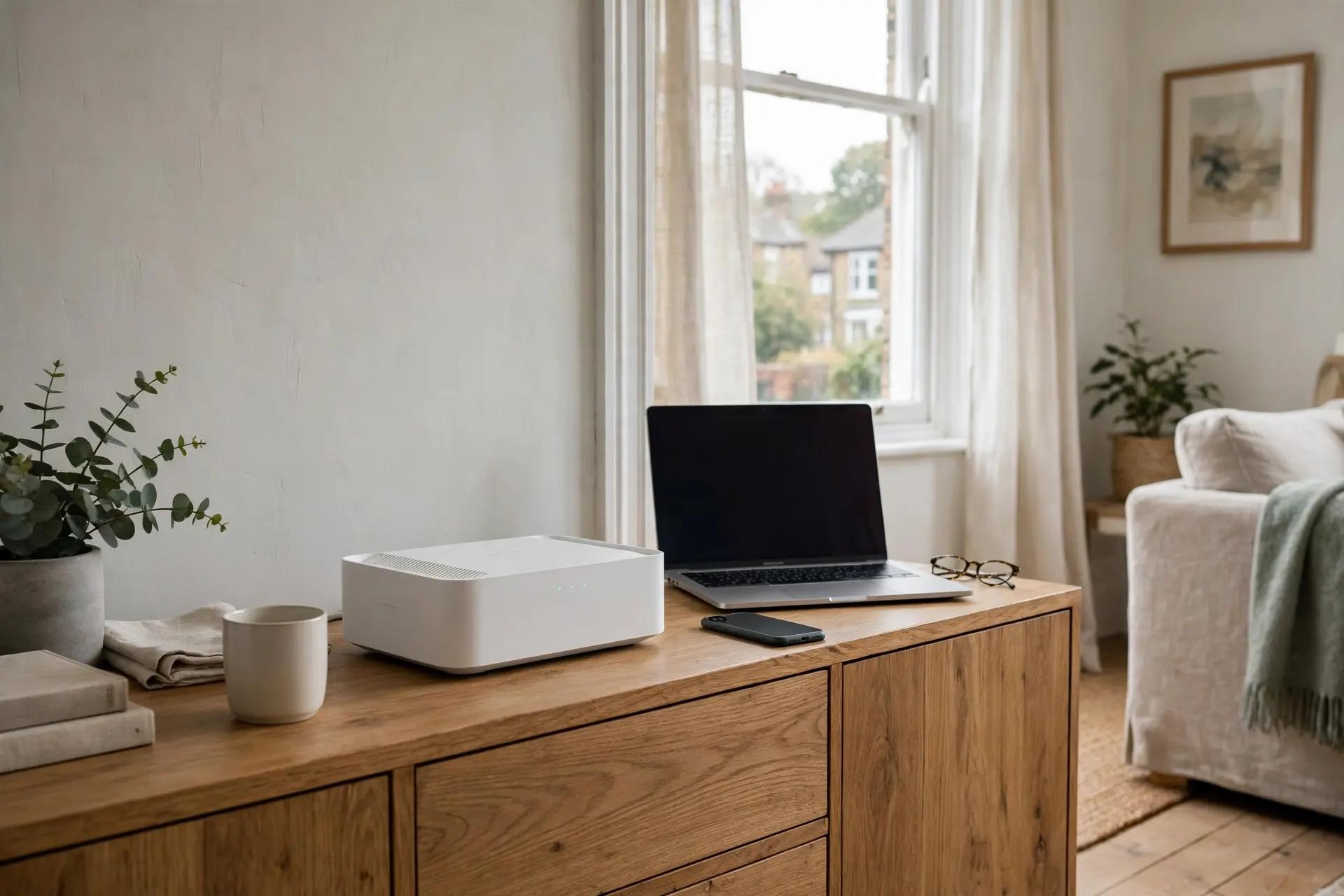
A slow connection is easy to blame on your broadband provider, but very often the real culprit is the router sitting quietly in the corner. The free router supplied with a broadband package is built to a price, and as homes fill up with phones, laptops, smart TVs and doorbells, it can start to struggle. Learning how to choose a Wi-Fi router that actually suits your home will save you money, frustration and a lot of buffering wheels.
This guide walks through the handful of things that genuinely matter: the Wi-Fi standard, speed ratings, bands, coverage and the features worth paying for. No jargon for its own sake, and no need to buy the most expensive box on the shelf.
Start With Your Home, Not the Box
Before looking at any product, think about three things: the size of your home, how many devices connect at once, and what you actually do online. A one-bedroom flat used for browsing and the odd film needs far less than a four-bedroom house with two people working from home, children gaming upstairs and a smart TV streaming in the living room.
Walls matter too. Brick and stone absorb Wi-Fi signals far more than plasterboard, so older UK homes with thick internal walls are exactly the places where a single basic router runs out of reach. If your current signal dies in the back bedroom, coverage, not raw speed, is your real problem.
The Wi-Fi Standard: Wi-Fi 6 Is the Sweet Spot
Routers are labelled by generation. Wi-Fi 5 (802.11ac) is the older standard found in most provider routers. Wi-Fi 6 (802.11ax) handles lots of devices at once far more gracefully, which is precisely the situation in a modern home. Wi-Fi 6E adds an extra 6GHz band, and Wi-Fi 7 is the newest option, but both command premium prices.
For most households, a good Wi-Fi 6 router is the sensible buy: noticeably better than what your provider gave you, without paying early-adopter prices. Your phones and laptops do not all need to support the newest standard either; a Wi-Fi 6 router still works perfectly with older devices.
Understanding Speed Ratings Without the Marketing Fog
Router boxes carry numbers such as AX1800 or AX5400. These are combined theoretical speeds across all bands added together; no single device will ever achieve that figure. Treat the number as a rough guide to the router’s class rather than a promise.
A practical way to think about it: your router can never be faster than the broadband coming into your home. If your package delivers around 70Mbps, a mid-range router is plenty. On a full-fibre package of 500Mbps or more, a better router makes sense so the connection is not strangled at the last step. What a good router really buys you is stability: several devices streaming, calling and downloading at once without everything grinding to a halt.
Dual Band, Tri Band and Mesh: Which Do You Need?
Almost every modern router is at least dual band, broadcasting on 2.4GHz and 5GHz. The 2.4GHz band travels further through walls but is slower; 5GHz is faster over shorter distances. A good router will steer devices between the two automatically under one network name, which is what you want.
Tri-band routers add a second 5GHz band, useful in very busy homes. For larger houses or homes with dead spots, a mesh system is usually the better answer: two or three units placed around the home create one seamless network, so your phone hops between them as you move. Mesh costs more than a single router, but for a three-storey house it solves problems no single box can.
Features That Are Genuinely Worth Having
- MU-MIMO and OFDMA: technologies that let the router talk to several devices efficiently at once. Standard on Wi-Fi 6 models and a big reason they feel faster in busy homes.
- Guest network: a separate network for visitors and smart gadgets, keeping your main devices more secure.
- Parental controls: pause the internet per device or set schedules; handy and common even on mid-range models.
- Enough Ethernet ports: a wired connection is still the most reliable option for a desktop PC, a games console or a TV box. Check the router has the ports you need.
- Regular firmware updates: choose a brand with a decent app and automatic updates, so security fixes happen without you thinking about them.
Router or Modem-Router? A Common UK Trap
Many standalone routers do not include a modem. With most full-fibre packages, the fibre terminates in a small box on your wall (an ONT), and any router plugs straight into it. With older part-fibre connections, you may need to keep your provider’s box in modem mode or buy a combined modem-router. A two-minute check of your connection type before ordering saves a return trip.
Setting It Up Well
Position matters as much as the purchase. Place the router centrally, up off the floor, and away from thick walls, metal objects and the microwave. After setup, change the default admin password, keep the firmware updated, and name your network something that does not identify you personally. If you work from home, our guide to creating a relaxing evening routine is a good reminder that the same home network should also help you switch off at the end of the day.
The Bottom Line
To choose a Wi-Fi router well, match the box to your home: Wi-Fi 6 for most people, mesh for larger or thick-walled houses, and a class of speed that fits your broadband package rather than the biggest number on the shelf. Spend on coverage and stability before raw speed, and you will feel the difference every single day.
Exploring more of GlowPedia? Our readers also enjoy our guide to layering skincare products in the right order, our round-up of British beauty brands worth knowing, and our practical guide to vehicle maintenance for UK drivers.
